 01 / CAPABILITY
Structural Simulation
Evaluate stresses, strains, deformation, vibration and structural response with suitable analysis methods and solvers.

Simcenter 3D brings multiple engineering simulation disciplines together in a connected environment, helping teams evaluate product performance, understand interactions and make better design decisions earlier in development.


Use Simcenter 3D to help engineering teams investigate complex assemblies and components, compare design alternatives and connect simulation insights to product development decisions.
As a Siemens Digital Industries Software channel partner, Benedes Engineering can help you explore relevant software options, licensing, demonstrations, technical support and engineering workflows aligned with your requirements.
Explore key capability areas and typical engineering applications. Available features depend on the selected product, modules, solver, license, configuration and version.
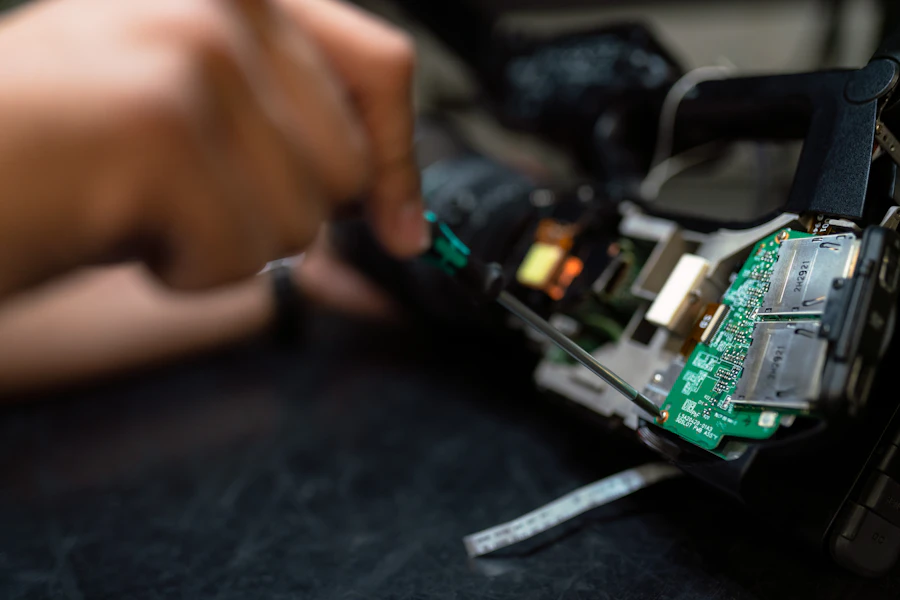
01 / CAPABILITYEvaluate stresses, strains, deformation, vibration and structural response with suitable analysis methods and solvers.
 02 / CAPABILITY
Investigate modal behaviour, vibration response, noise-related performance and dynamic system behaviour.
 03 / CAPABILITY
Study heat transfer and thermal response where the selected analysis methods and modules support the use case.
 04 / CAPABILITY
Connect relevant physics disciplines to assess interactions between structural, thermal, flow and other engineering effects.
 05 / CAPABILITY
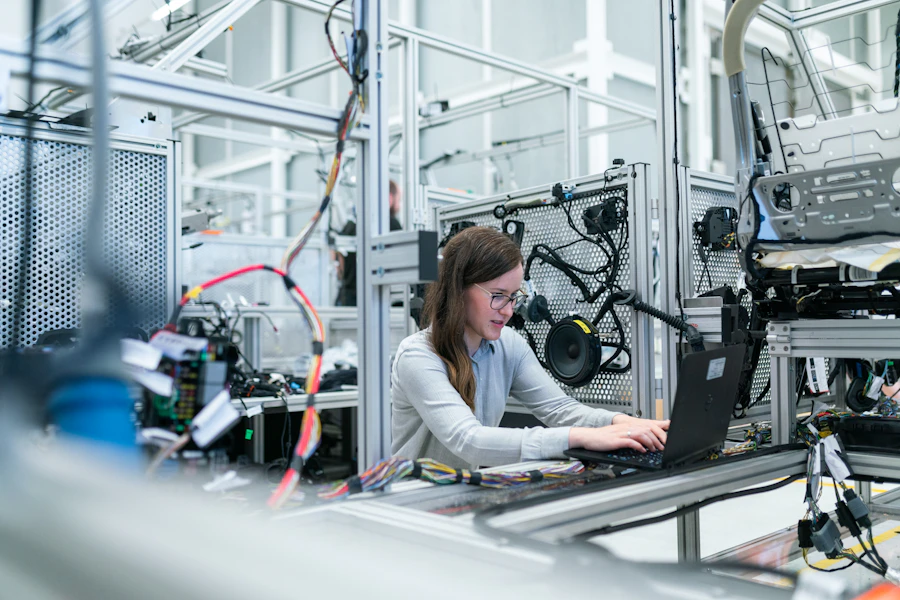
Explore motion-related engineering questions and connect product-level behaviour with simulation workflows.
 06 / CAPABILITY
Prepare simulation models from design geometry, manage idealization and support engineering iteration.
This overview is intended as a starting point, not a detailed license feature matrix. Contact Benedes to confirm specific modules, workflows and licensing options.
Use Simcenter 3D to help engineering teams investigate complex assemblies and components, compare design alternatives and connect simulation insights to product development decisions.
Apply appropriate engineering methods, model assumptions and validation criteria to assess product performance for this application.
Apply appropriate engineering methods, model assumptions and validation criteria to assess product performance for this application.
Apply appropriate engineering methods, model assumptions and validation criteria to assess product performance for this application.
Successful simulation requires a clear engineering question, suitable input data, an appropriate model, numerical checks and careful interpretation. Benedes can discuss the right workflow for your project or software evaluation.
Our team can help you frame the requirement and explore a practical path from product discussion to deployment.
Define the engineering question and acceptance criteria.
Prepare geometry, materials, connections, loads and boundary conditions.
Select suitable analysis methods and review model quality.
Run the simulation and assess convergence and result validity.
Interpret results against project-specific criteria and document conclusions.
Explore how Simcenter 3D may fit into workflows across sectors. The right application method and model fidelity depend on the project.
Automotive & MobilityAerospace & DefenceIndustrial MachineryPumps & CompressorsEnergy Equipment Consumer Products
 Medical Devices
 Marine & Offshore
Answers to common questions from engineering teams evaluating simulation software.
It is a multidisciplinary engineering simulation environment used for product performance evaluation across supported physics and analysis workflows.
No. Capabilities depend on the configured products, solvers, modules and licenses. Some workflows use connected Siemens Simcenter solutions.
Simulation workflows can use supported CAD geometry and model-preparation methods. Exact interoperability depends on formats, configuration and workflow.
Yes. Benedes can discuss your analysis goals, existing CAD/CAE process and required deliverables to help identify suitable options.
Request product information, a focused demonstration, licensing guidance, training or technical support from your Siemens Digital Industries Software channel partner.
Simcenter 3D and other Siemens product names are trademarks or registered trademarks of Siemens and its affiliates. Benedes Engineering Private Limited is an independent channel partner. This page is informational; capabilities and availability may vary by product version, module, license and region.