 01 / CAPABILITY
Geometry & Idealization
Import supported geometry, simplify details and prepare analysis-ready models.

Simcenter Femap is an advanced finite element modeling pre- and post-processing environment for experienced analysts. It supports model preparation, mesh creation, solver setup and result visualization for a range of engineering simulation workflows.

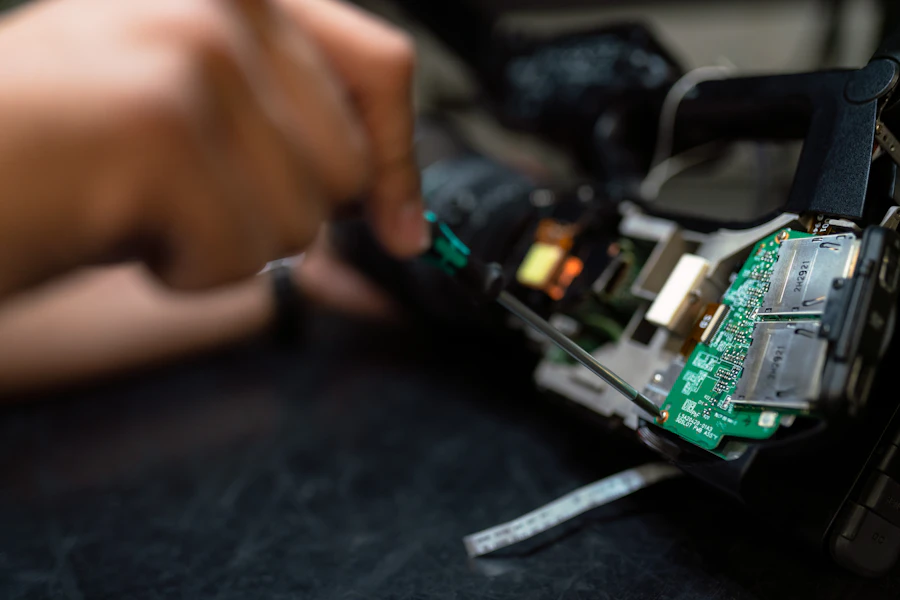
Femap supports analysts who need detailed control over FE model construction, mesh quality, solver setup and result interpretation for complex components and assemblies.
As a Siemens Digital Industries Software channel partner, Benedes Engineering can help you explore relevant software options, licensing, demonstrations, technical support and engineering workflows aligned with your requirements.
Explore key capability areas and typical engineering applications. Available features depend on the selected product, modules, solver, license, configuration and version.
01 / CAPABILITYImport supported geometry, simplify details and prepare analysis-ready models.
 02 / CAPABILITY
Create and control shell, solid, beam and other supported mesh types for the analysis task.
 03 / CAPABILITY
Define material data, load cases, constraints, connections and model properties.
 04 / CAPABILITY
Prepare analysis models for supported solvers, including Simcenter Nastran, subject to configuration.
 05 / CAPABILITY
Review contour plots, deformed shapes, vectors, animations and numerical results.
 06 / CAPABILITY
Use available APIs, macros and repeatable workflows to reduce repetitive model preparation tasks.
This overview is intended as a starting point, not a detailed license feature matrix. Contact Benedes to confirm specific modules, workflows and licensing options.
Femap supports analysts who need detailed control over FE model construction, mesh quality, solver setup and result interpretation for complex components and assemblies.
Apply appropriate engineering methods, model assumptions and validation criteria to assess product performance for this application.
Apply appropriate engineering methods, model assumptions and validation criteria to assess product performance for this application.
Apply appropriate engineering methods, model assumptions and validation criteria to assess product performance for this application.
Successful simulation requires a clear engineering question, suitable input data, an appropriate model, numerical checks and careful interpretation. Benedes can discuss the right workflow for your project or software evaluation.
Our team can help you frame the requirement and explore a practical path from product discussion to deployment.
Import geometry or create the idealized analysis model.
Set materials, properties, connections and analysis intent.
Generate and inspect the mesh using suitable quality checks.
Define loads, constraints and solver parameters; run the solver.
Review results, validate assumptions and produce the analysis report.
Explore how Simcenter Femap may fit into workflows across sectors. The right application method and model fidelity depend on the project.
AerospaceAutomotiveIndustrial MachineryOil & GasPumps & Valves Pressure Vessels
 Marine & Offshore
 General Engineering
Answers to common questions from engineering teams evaluating simulation software.
Femap is used to create, prepare and review finite element models and results for engineering analysis.
Femap is primarily a pre- and post-processing environment and is commonly paired with compatible solvers such as Simcenter Nastran. Solver availability depends on your setup.
It supports a variety of FE element types and meshing workflows; the right element choice depends on geometry, physics and accuracy requirements.
Femap provides API and automation options that can support repeatable tasks, subject to the installed version and API capabilities.
Request product information, a focused demonstration, licensing guidance, training or technical support from your Siemens Digital Industries Software channel partner.
Simcenter Femap and other Siemens product names are trademarks or registered trademarks of Siemens and its affiliates. Benedes Engineering Private Limited is an independent channel partner. This page is informational; capabilities and availability may vary by product version, module, license and region.